
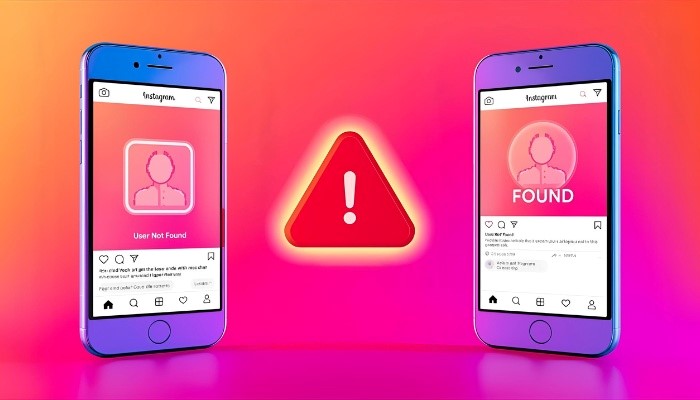
Instagram’s blocking feature helps people protect their privacy online. Many users block other users because of privacy, or to avoid spammy messages or lastly to get personal comfort on this platform. Blocking someone is a personal choice and does not need any permission from the app. Blocked users do not receive notifications about being blocked, but they may notice some signs, which will be discussed in detail in this guide.
Some Signs That Show You Might Be Blocked
Here are some common signs that may show someone has blocked you on Instagram.
- Their profile is no longer available on Instagram when you search.
- You cannot see any type of content from that specific user.
- Old comments and likes that they left on your posts are no longer available.
- When you try to send a message, it will not deliver.
Although you see the above signs, it’s still not 100% that you have been blocked. There may be several reasons for the above signs, like they restrict you or the user’s account is deactivated. To be sure, follow the four methods below to check if someone actually blocks you.
4 Methods to Check If Someone Blocked You on Instagram
Here are some simple methods to confirm if you are blocked on Instagram by a specific user:
- 1: Search for their profile. If their profile is not shown.
- 2: Take a look at the old engagement you have with that person. If it is also not available.
- 3: Open Instagram on the web and if the profile appears there, it confirms blocking.
- 4: You can use another account, like a friend or a second one and search their profile. If it appears, it confirms they blocked you.
Conclusion
Do not worry about being blocked by someone and always respect other people’s boundaries. The purpose of blocking is to help users manage their privacy for their peace of mind. Many users choose the block option to feel relaxed and comfortable from unwanted Instagram users and they may not want to show their Instagram followers to protect people’s privacy. Instead of focusing too much on what happened, try not to make the same mistakes next time, like hurting someone’s privacy and etc, so everyone feels safe on Instagram.
Media INFO
Address: 483 Green Lanes, London, N13 4BS
Phone: +44 736 159 1145
