
The main question people keep posing is whether they need a 2K or 4K security camera at home or at the workplace. The solution is in the resolution, storage, bandwidth, and price. This is the guide that will take you through the facts of the label 2K vs 4K security camera, thus enabling you to make a choice wisely.
Numbers are also available on all boxes published by manufacturers, but they do not usually explain real results. We shall examine the way each of the formats works on image quality, coverage, and cost by dividing the subject matter into explicit parts.
2K vs. 4K Security Camera: Overview
Resolution describes how many pixels fill the picture, and higher counts usually bring sharper detail. The next two sections outline 2K and 4K in plain terms.
What Is 2K Resolution?
Quad HD, which is also known as 2K resolution, is 2560 x 1440 pixels. Those sum to approximately 4 million pixels. In fact, a 2K camera will capture faces at the front gate, scan shipping labels on a porch, and a two-car driveway with an average capacity.
Installers opt to use 2K when they need something higher than Full HD, but file sizes need to be contained within cloud plans or Wi-Fi connections. Phones, tablets, and many of the computer monitors already have 1440p, so the viewers are already enjoying the full value without scaling.
What Is 4K Resolution?
The 4K or Ultra HD has a pixel count of 3840 x 2160, or approximately 8.3 million pixels. The number of pixels is twice the width and the height of 2K, providing four times the total image data. A 4K security camera captures minor writings on the cars, the clothing patterns, and slight movements in large parking lots.
Retailers choose it for wide storefronts, while homeowners use it to watch long backyards with a single lens. The extra clarity helps during digital zoom because investigators can enlarge a portion of the scene and still keep usable detail. The price has fallen in recent years, making 4K a realistic option rather than a luxury.
2K vs. 4K Security Cameras: What’s the Difference?
Pixel count alone does not tell the whole story. The two formats diverge in image quality, field coverage, data rate, and total system cost. Below you will find six key areas where 2K and 4K differ. Each one plays a part in the daily operation and long-term ownership.
Resolution
A single 4K frame holds 8.3 million pixels, while a 2K frame holds 3.7 million. That means 4K stacks roughly four pixels in the space where 2K places one. The extra grid points translate into finer edges and smoother gradients. When you zoom into recorded footage, 4K keeps lines crisp longer. A 2K clip starts to blur sooner, yet still beats standard 1080p by a wide margin.
Image quality
The quality of images is not limited to the use of raw resolution. In the final picture, sensor size, the lens glass, and video compression determine the final picture. Most mid-range 2K models feature large sensors, which have better light per pixel than the affordable 4K models. The 4K can typically defeat the bright scenes; however, after sunset, the 2K camera is well-constructed and can even beat the 4K inexpensive camera. When comparing listings, not only the pixel label, but also look at the dynamic range and night mode samples.
Field of View and Coverage
An image with a high-resolution frame enables a camera to monitor a larger area without distortion. At the same lens angle, a 4K system captures 2x the number of horizontal details in comparison with a 2K system, thus you can obscure a warehouse aisle with fewer cameras. With that said, it is also possible to attach a wider lens to a 2K unit in order to get the same field of view, although edges might be blurred. Select 4K when you require broad area and narrow crop strength simultaneously.
Storage and Bandwidth
Every added pixel raises the bit rate. Using modern H.265 compression at fifteen frames each second, a 2K stream averages 3–5 Mb/s, while a 4K stream often needs 6–10 Mb/s. Over a day of nonstop recording, that difference stacks up to double or even triple the storage space. Home users with capped internet plans may lean toward 2K to keep remote clips affordable. Businesses with fiber links can absorb 4K traffic.
Cost
Camera bodies, lenses, recorders, and memory all cost more when you step up to 4K. Though the gap keeps shrinking, expect to pay about thirty percent more for each 4K camera with comparable features. The real price hike appears in network video recorders and hard drives because they must handle higher throughput. If you need only one or two cameras, the gap feels small, yet a site with twenty units might save thousands by choosing 2K.
Hardware Requirements
Increased resolution stresses out the chain. Larger packets have to be executed by routers, more budget is required by PoE switches, and in the case of a viewing station, it should have a modern quad-core CPU to play in 4K with ease. Recent Smartphones and tablets can work with 4K without any issues, whereas older devices can stutter. A 2K system can be operated on entry-level hardware and even on a large number of legacy cables. Before Factory 4K runs on a heavy stream, make sure that your infrastructure is capable of sustaining it.
1080p vs. 2K vs. 4K Security Camera: Comparison Table
The table below shows how the three common resolutions stack up in key categories like pixel count, typical bandwidth, and daily storage.
| Feature | 1080p Full HD | 2K QHD | 4K Ultra HD |
| Resolution (pixels) | 1920 × 1080 (2MP) | 2560 × 1440 (4MP) | 3840 × 2160 (8MP) |
| Approx. facial clarity range | 15–20 ft | 25–30 ft | 40–45 ft |
| Bitrate per stream* | 1.5–3 Mb/s | 3–5 Mb/s | 6–10 Mb/s |
| Storage per day (24 h, 15 fps, H.265) | 15–30 GB | 30–50 GB | 60–120 GB |
| Ideal coverage | Small rooms | Single-family exterior | Large lots or retail fronts |
4K vs. 2K Security Camera: Pros and Cons
Each format brings strengths and trade-offs. The bullet lists below sum them up so you can weigh them against your site goals and budget.
2K Security Cameras: Pros and Cons
Pros:
- Lower price for the camera and recorder
- Smaller files cut cloud and local storage use
- Moderate bitrate works on Wi-Fi and 100 Mb/s networks
- Clear faces within 30 feet
- Large model selection from many brands
Cons:
- Less detail when you zoom far
- Plates blur beyond 40 feet
- Future upgrades may require replacement
- Marketing sometimes overstates performance
4K Security Cameras: Pros and Cons
Pros:
Finest detail for evidence and digital zoom
- Covers broad areas with fewer cameras
- Matches new 4K monitors and TVs
- Growing market brings falling prices
Cons
- Higher price for the camera, lens, and recorder
- Heavy bitrate stresses network links
- Large files fill drives quickly
- Low-light noise appears if the sensor quality is lacking
2K or 4K Security Cameras: Which to Choose?
Begin with the coverage you need. If you must read license plates at fifty feet or watch a parking lot with a single lens, pick 4K and build the system around strong wiring and a high-capacity recorder. For front doors, stairwells, or small yards, 2K makes smart use of storage while still giving sharp images. Always review sample clips at day and night, add at least twenty percent extra drive space for growth, and confirm that your router or PoE switch can keep up.
Best 4K Security Camera from Reolink
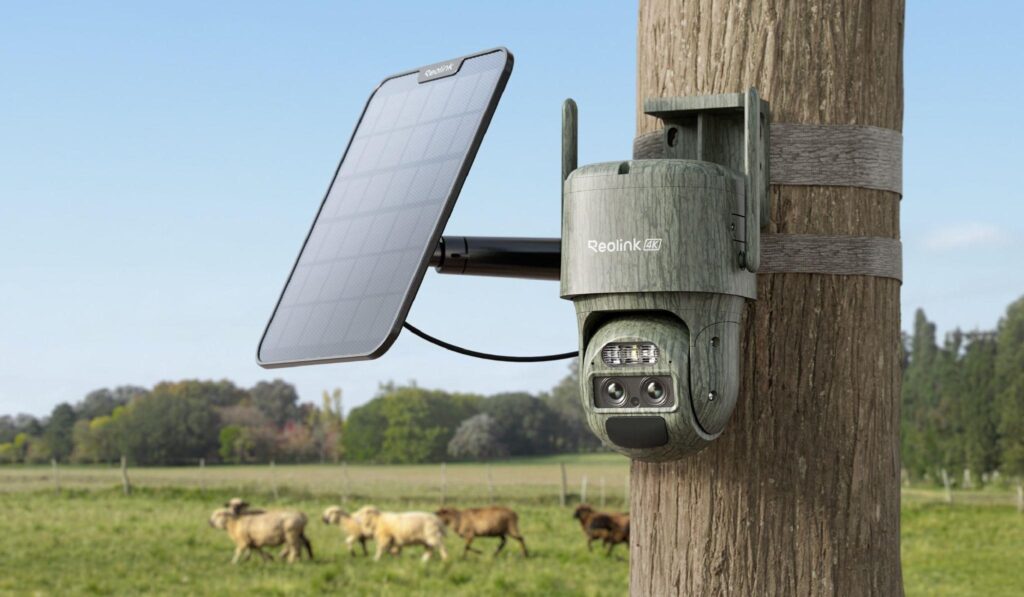
The new Reolink TrackFlex Floodlight WiFi is now available! This 4K dual-lens PTZ camera delivers 8MP clarity and combines a telephoto lens for optical zoom with a wide-angle lens for complete coverage—all in one device. With pan and tilt functionality, it provides a full 360° field of view for comprehensive monitoring.
An adjustable floodlight adds an extra layer of security, while the Reolink app lets you use Local AI Video to quickly locate important moments and focus on what matters most.
FAQs
Is a 2K camera better than 4K?
No, 2K is not better than 4K in raw detail, yet it can still fit many jobs. 4K sensors double the pixel count, so they catch finer lines and license plates at a distance. 2K stays competitive where bandwidth, budget, or viewing devices limit the benefit of 4K for many users.
Is 2K enough for home security cameras?
Yes, for most homes, 2K provides clear recognition at typical driveway, porch, and hallway ranges. The resolution lets you read package labels and identify faces within 30 feet while saving storage compared with 4K. Pair it with good lighting and a solid recorder, and the results satisfy common needs for households.
Do I really need 4K security cameras?
You require 4K when you have to take details over a wide area or have to read tiny texts over a distance. Parking lots related to commercial purposes, big yardages, or essential building entries usually win. Provided that network, storage, and budget, 4K will be able to provide future-proof clarity, though, in the meantime, 2K is sufficient in the vast majority of scenarios.
Conclusion
Choosing between 2K vs 4K security camera systems boils down to balancing detail, coverage, and cost. 2K offers strong clarity for everyday settings while keeping files small. 4K unlocks superior sharpness and wider scenes when your infrastructure can support the bitrate. Review the pros, cons, and table above, then match them to your site. Share your thoughts below and help others decide.
