
Creating professional 3D models can often feel like a puzzle of technical hurdles, long hours, and steep learning curves. What if there was a way to simplify the entire process, from initial concept to fully realized 3D asset, without compromising quality? What if AI could take care of the most tedious steps, letting creators focus on imagination rather than manual labor?
Tripo Studio makes this possible. As an all-in-one AI 3D model generator, it transforms how creators approach 3D modeling by seamlessly converting text prompts or 2D images into high-quality 3D models. It allows artists, designers, and hobbyists alike to move from idea to production-ready assets faster and more efficiently than ever before.
Why Choose Tripo?
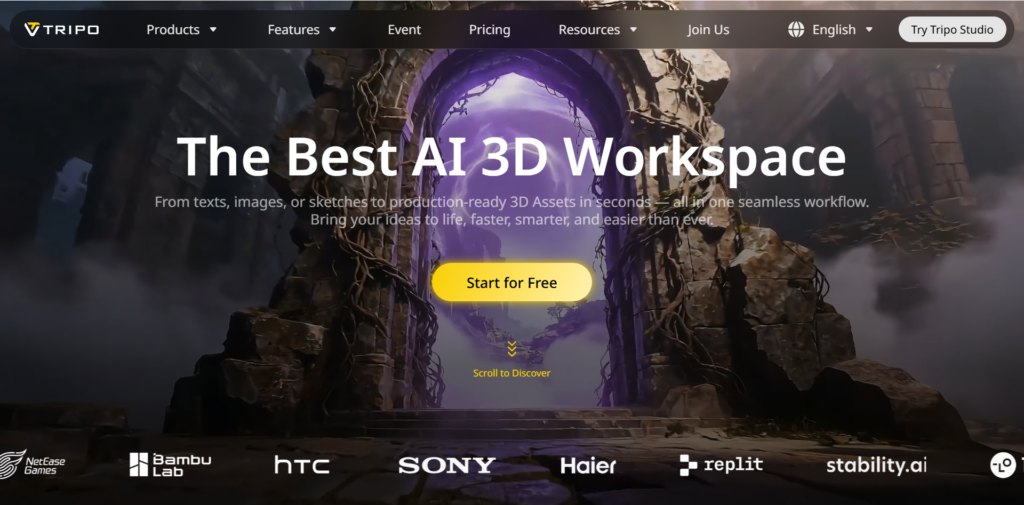
The power of Tripo Studio lies not in a single tool, but in its fully integrated, end-to-end workflow. It moves beyond being just another AI 3D model generator to become a cohesive operating environment for the entire 3D asset pipeline. This unified approach consolidates and connects key creative phases into one seamless experience.
- Intelligent Foundation Creation: Go from initial concept—expressed as text or image—directly to a workable 3D base model.
- Refinement with AI Assistance: Precisely edit, segment, and optimize your model’s geometry using tools enhanced by spatial AI.
- Automated Production Readiness: Efficiently prepare assets for downstream use, whether for animation, game engines, or 3D printing.
- Seamless Workflow Continuity: Experience a connected journey where each stage, from generation to final export, is natively integrated to minimize friction and technical hurdles.
The following sections detail how Tripo’s specific features translate this integrated philosophy into concrete creative power and measurable time savings for projects of any scale.
The Tripo Workflow: An Integrated System for Modern 3D Creation
Transforming a creative vision into a production-ready 3D asset requires more than a single tool. Tripo Studio is engineered as a unified system, connecting key technical stages into a fluid and intelligent workflow. Here’s how its core capabilities work together to power your projects.
Intelligent 3D Generation: Multiple Paths to Your First Draft
Tripo provides multiple ways to create 3D models, starting from either text prompts or images, with a choice between faster output or higher detail.
- Ultra Mode: Produces highly detailed, realistic models.
- Standard Mode: Delivers faster results with balanced quality for quick iteration.
These modes support two core methods:
- Text to 3D Model: Convert descriptive text directly into editable 3D models, speeding up early ideation. An optional preview helps align the output with your vision before full generation.
- Image to 3D Model: Turn 2D images, sketches, or concept art into 3D models. For improved accuracy, multi-view inputs (front, side, back) are supported, and reference images can be refined before conversion.
AI Model Segmentation
The AI-powered segmentation feature intelligently analyzes complete 3D models and automatically separates them into logical, modular components. This transforms a single mesh into a collection of independently editable parts.
By eliminating the need for manual mesh splitting, the feature enables precise localized editing—such as modifying a character’s armor or adjusting mechanical parts—without impacting the rest of the model. As a core function of this AI 3D model generator, segmentation streamlines workflows for creating asset variations, optimizing game models, generating LODs, and preparing models for 3D printing.
Smart Retopology
Tripo’s Smart Retopology removes the need for manually rebuilding clean mesh structures. It analyzes 3D models and produces optimized quad or triangle meshes that retain essential details while reducing unnecessary geometry. The result is a lightweight, well-organized asset that maintains visual accuracy.
By automating this step, creators can focus on design rather than cleanup. The output meshes are ready for real-time workflows, including games, VR/AR, and mobile projects, delivering both performance and visual quality.
AI Texturing with Magic Brush Control
Its AI Texturing feature goes beyond basic material assignment, automatically creating full PBR texture sets ready for production. Using a text prompt or reference image, it ensures consistent style, realistic surface details, and accurate materials, streamlining modern 3D pipelines.
For precise adjustments, the Magic Brush lets you edit locally—adding wear, surface variation, or material emphasis—while the AI blends changes seamlessly. With the Ultra HD engine and Texture Upscale, fine details are preserved and resolution is boosted, producing high-quality textured assets suitable for games, visualization, and design projects.
AI Auto‑Rigging
Rigging is often one of the most time-consuming steps in 3D creation. Tripo Studio’s AI Auto-Rigging streamlines this process, quickly converting static models into animation-ready assets with clean skeletons and natural deformation.
The system intelligently generates bones and skin weights for humanoids, creatures, or mechanical objects. Users can instantly preview motion using a library of 100+ built-in animations. With the Lock Frame feature, any pose can be frozen and exported as a static model—perfect for pose variations or 3D printing. Rigs export smoothly to Blender, Maya, Unreal Engine, and other major tools, bridging the gap from model generation to professional animation.
Integrated Image Generation for Enhanced 3D Workflows
The platform incorporates advanced image generation capabilities designed to provide high-quality visual references as inputs for the 3D AI generator pipeline. These specialized tools enable creators to produce optimal starting points for 3D modeling.
Nano Banana
Nano Banana generates reference images optimized for 3D creation. These visuals are structurally clear, making them ideal starting points for modeling and improving accuracy in subsequent 3D reconstruction.
GPT-4o
GPT-4o focuses on semantic understanding and prompt interpretation, producing images that closely match descriptive input. These references help translate abstract ideas into concrete visual concepts for 3D modeling.
Flux Kontext
Flux Kontext emphasizes contextual consistency, creating images with coherent style and composition. It’s especially useful when multiple reference images are needed for a single concept, reducing corrective work during modeling.
Each tool functions independently, giving creators the flexibility to choose the method that best fits their workflow and project requirements.
Perfect for Both Beginners and Professionals
Tripo Studio serves users of all experience levels by combining simplicity with precise control:
- Beginner-Friendly Workflow
New users can rely on automated features and default settings to generate 3D assets quickly, without needing prior knowledge of mesh structures or texturing. This makes it ideal for first-time creators and educational settings. - Professional-Level Control
Advanced users can fine-tune parameters such as topology, polygon count, and stylization, ensuring AI-generated models meet production standards and integrate smoothly into existing pipelines.
By balancing accessibility and control, Tripo Studio supports everything from classroom exercises and early concept exploration to professional 3D asset development. While sometimes mentioned in the context of an AI 3D model generator free for experimentation, its main strength lies in structured, high-quality, and controllable output.
Conclusion: Empowering Smarter 3D Creation
AI is transforming how digital content is made, and unified AI 3D model generators are leading the charge. Tripo Studio makes 3D creation more accessible, collaborative, and intelligent, already enabling millions of creators worldwide.
This platform doesn’t replace creativity—it enhances it. By removing technical obstacles, the limit is no longer skill, but imagination. The next wave of 3D innovation belongs to those who leverage intelligent tools to realize bold ideas.
Try it for yourself. Jump into Tripo Studio and create your first AI 3D model within a streamlined, all-in-one workflow built for the future of 3D creation.
